



































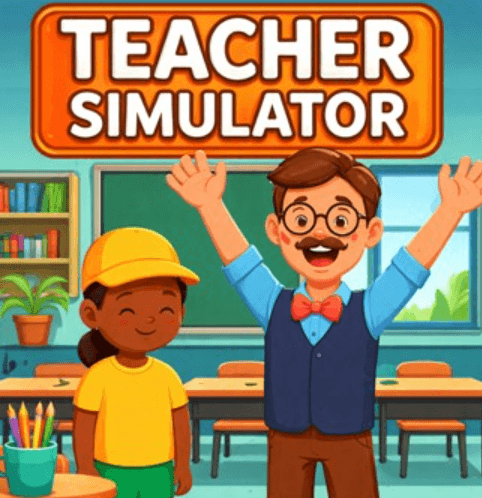
Teacher Simulator is a browser-based teacher simulator game that throws you straight into the chaos of classroom life where every decision matters, and one small mistake can spiral into total disorder faster than you expect. If you’re looking for a teacher simulator game online free with fast-paced gameplay, this is one of those deceptively simple experiences that quickly turns intense.
Teacher Simulator Gameplay Explained: Fast Decisions, Constant Pressure
At first, Teacher Simulator feels easy. You ask questions, pick answers, and grade papers. But within minutes, the game shifts into something much more demanding. Players raise their hands confidently but not all of them are right. You need to decide fast. Then suddenly, you’re grading stacks of papers, spotting cheaters, and dealing with random classroom chaos.
The gameplay loop is simple but addictive:
Ask → choose → grade → react → repeat
That’s what makes it a strong browser-based classroom simulation game with mini tasks - you’re constantly switching roles without a break.
How to Play Teacher Simulator (Beginner Guide)
- Answer Questions: Choose the correct student response carefully
- Grade Papers: Mark answers with ticks or Xs
- Catch Cheaters: Identify suspicious behavior quickly
- Manage Chaos: Handle random classroom situations
- Progress: Unlock new classes and better roles
Controls are simple:
Mouse + Left Click to interact, select, and grade
But don’t let that simplicity fool you, this is a fast-paced teacher simulator gameplay experience where focus matters more than skill.
Teacher Simulator Tips for Beginners: Don’t Let Speed Trick You
The biggest mistake I made? Rushing everything. Some questions are designed to mislead you. That “obvious” answer often isn’t correct. After failing multiple rounds, I realized something important:This game rewards patience, not speed.
If you're searching for Teacher Simulator tips and tricks, here’s what actually works:
- Read every question twice before selecting
- Ignore confident-looking answers
- Stay calm when the pace increases
- Focus on accuracy over speed
Smart Habits That Instantly Improve Your Gameplay
After spending more time in the game, I noticed small habits made a huge difference:
- Double-check before every click
- Keep a steady grading rhythm
- Avoid panic-clicking under pressure
- Stay focused during repetitive tasks
- Build consistency instead of rushing.
Why Teacher Simulator Is So Addictive
What makes this game stand out isn’t complexity, it’s pressure. The game constantly pushes you to move faster while punishing even the smallest mistake. That balance creates tension, and that tension keeps you playing. It’s a perfect example of a simple but challenging browser simulation game where your focus is tested every second.
FAQ: Teacher Simulator Game
Is Teacher Simulator free to play?
Yes, you can play online for free.
Is Teacher Simulator hard?
It starts easy but becomes challenging as speed and pressure increase.
Can you play Teacher Simulator on mobile?
It may work on mobile browsers, but it’s best on desktop.
Can You Stay in Control Until the Bell Rings?
Teacher Simulator looks simple, but it quietly tests your patience, focus, and decision-making under pressure.
Every round feels manageable… until it suddenly isn’t.
And just when you think you’ve mastered the classroom, the game speeds up again. waiting for you to slip.
So the real question is: how long can you stay in control before your entire class falls apart?

Simulation Games
view more